/Matches & lineupFor the coach 4 min
every position with its real data
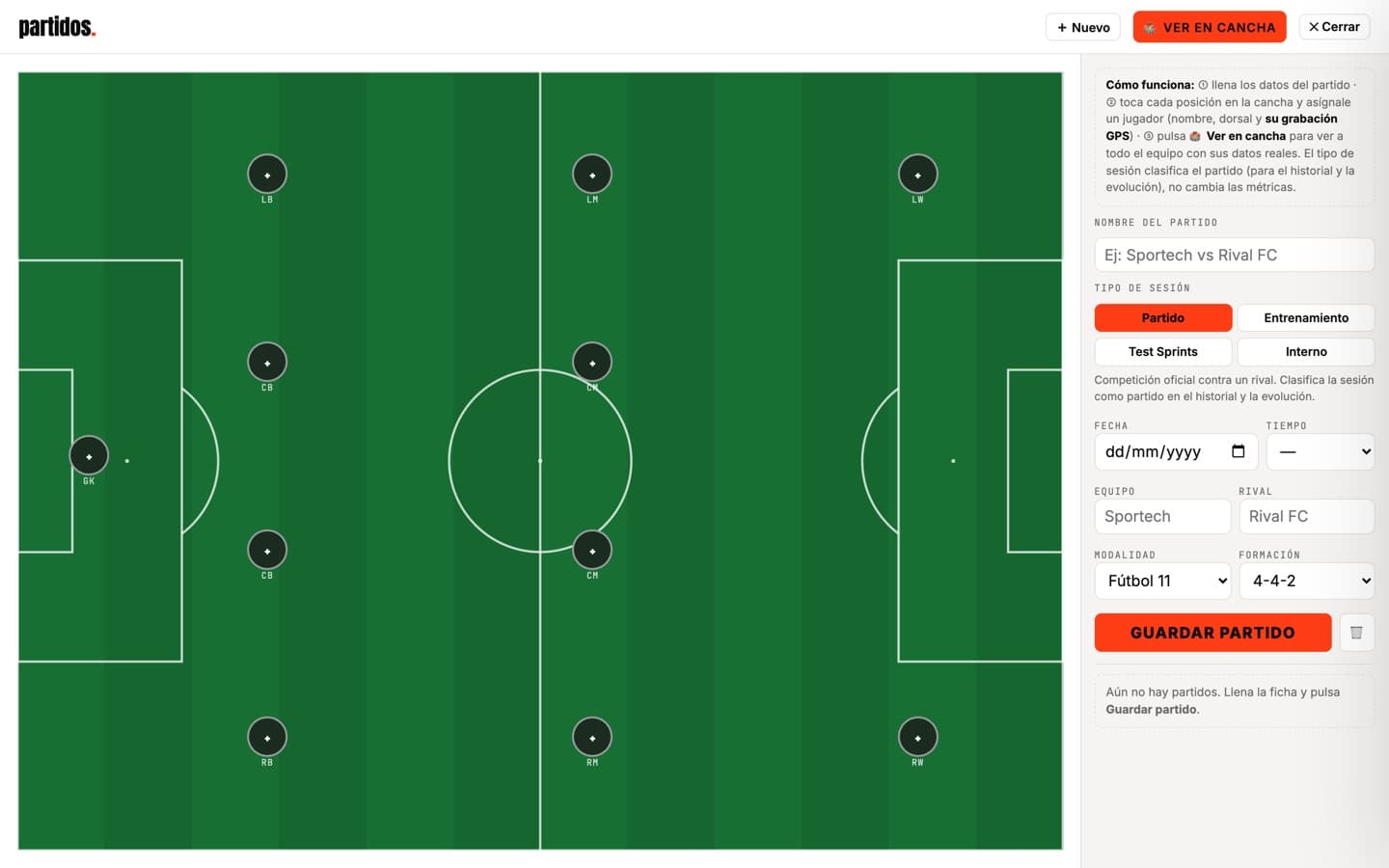
Build the lineup on the pitch and give each position its player with their GPS recording from that day.
- 1
Create the match
Hit New and fill the card: name, session type (match, training, sprint test or internal), date, rival, format and formation.
- 2
Assign each position
Tap a position on the pitch and pick player, number and their GPS file. Repeat until the eleven is complete.
- 3
Save the match
Save match adds it to the team history and feeds each player's individual evolution.
- 4
View it on the pitch
View on pitch opens the whole team together, with that day's real metrics.
Tips
- → The session type classifies the match for history and evolution; it doesn't change the metrics.